


Key Highlights
- SowFlow offers a user-friendly Chrome extension for creating organizational charts directly from the browser, improving workflow documentation and team collaboration.
- Lucidchart provides dynamic templates and a drag-and-drop interface, facilitating easy customization and integration with various platforms to enhance documentation security.
- Canva allows for the creation of visually appealing organizational charts with customizable templates, boosting brand identity and effective communication.
- EdrawMax features a wide range of templates and real-time collaboration capabilities, making it easier for teams to create detailed organizational charts.
- Miro enhances team collaboration through an interactive whiteboard feature, allowing real-time adjustments to organizational charts for better clarity and productivity.
- SmartDraw automates the creation of hierarchy diagrams, significantly reducing production time and enhancing communication within teams.
- Visme focuses on creating engaging and interactive organizational charts, improving visual communication and user engagement.
- ChartHop integrates with HR systems for automatic updates to organizational charts, helping organizations adapt to changes and reduce turnover costs.
- Figma provides design flexibility and real-time collaboration, allowing teams to create tailored organizational charts and improve project efficiency.
Introduction
In today's business world, you might be wondering how to effectively visualize and manage your organizational structure. Well, it's crucial for success! Luckily, there are tons of tools out there that can help you create organizational charts with ease, making communication and collaboration among your teams a breeze. From user-friendly platforms like SowFlow and Lucidchart to versatile options like EdrawMax and Miro, each tool brings something unique to the table to meet different organizational needs.
Whether you’re drawn to the customizable templates of Canva or the real-time collaboration features of Figma, these tools are designed to help businesses adapt quickly to changes while keeping their hierarchical structures clear. So, let’s dive into the top tools for creating organizational charts and see how they can revolutionize the way your teams document and communicate their structures. Ultimately, this can drive efficiency and productivity in your workplace!
SowFlow: Streamline Your Organizational Chart Creation with Instant Documentation Tools
You might be wondering how to streamline . Well, has got your back with that lets businesses whip up a in no time! With its user-friendly , you and your team can right from your browser, turning those complicated processes into clear, visual charts. Talk about a time-saver! Plus, it keeps everything and easily accessible for everyone on the team. This means better all around.
Now, here’s something to think about: a study found that 75% of employees are eager to embrace new tools to overcome communication hurdles. That’s where steps in, helping ease the transition and strengthen . And don’t forget about compliance! By integrating employee databases into your , becomes a breeze. As Emma Mitchell wisely pointed out, is key, and tackling collaboration challenges is essential for organizations looking to boost their performance. So, why not explore how can help you enhance your documentation game?
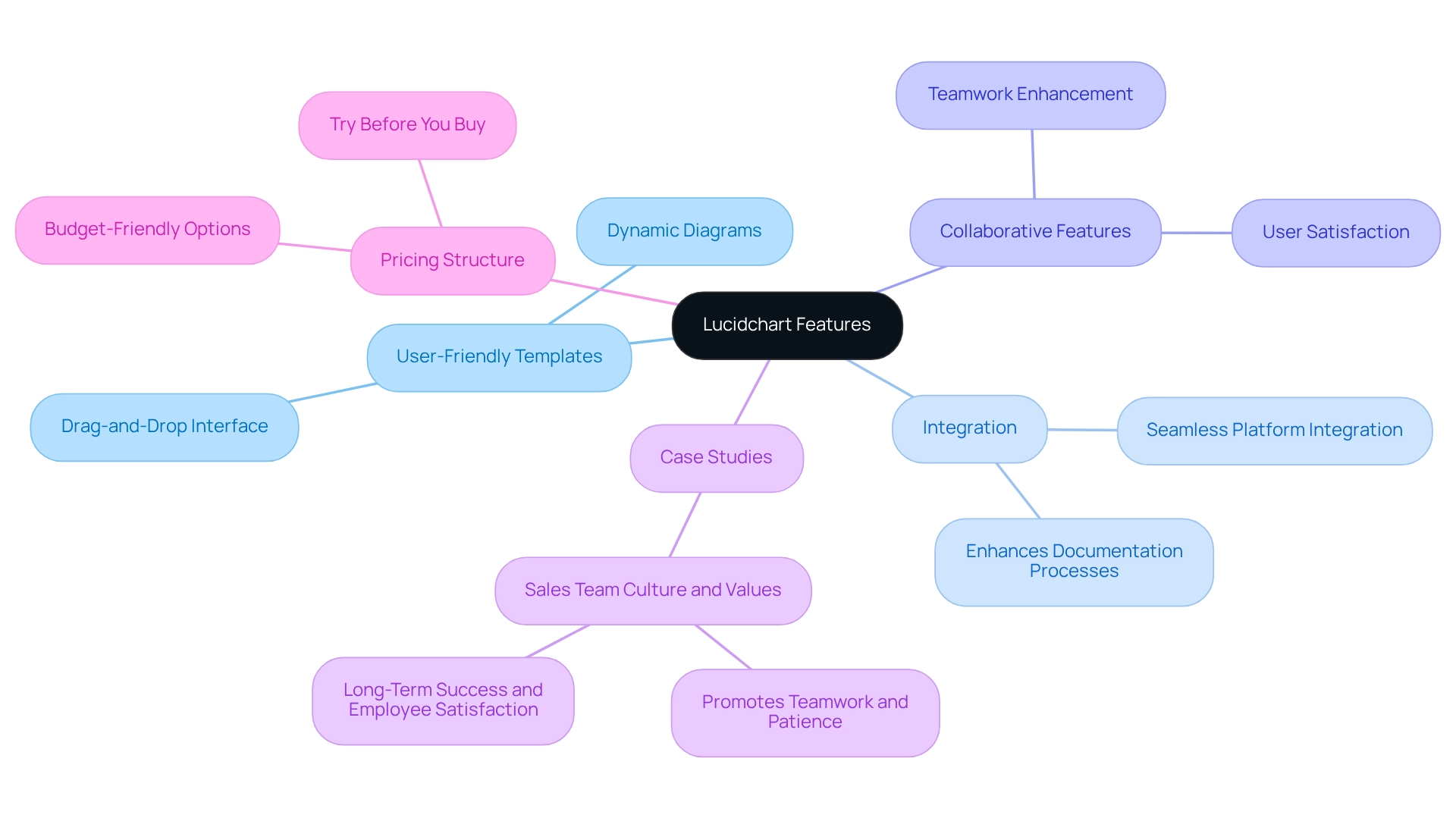
Lucidchart: Create Dynamic Organizational Charts with User-Friendly Templates
You might be wondering how to streamline without losing your mind. Well, Lucidchart has got your back! With a bunch of , you can whip up in no time. Plus, its drag-and-drop interface makes customization a breeze, so you can visualize your organization in a way that fits your needs perfectly.
Now, let’s dive into why Lucidchart is such a hit among teams. It integrates seamlessly with various platforms, making it a versatile choice for enhancing . Did you know that a recent statistic shows 25% of new software includes advanced encryption and compliance with international data protection standards? That’s Lucidchart showing its commitment to keeping your documentation secure!
Users rave about Lucidchart's , which really streamline the chart creation process. It fosters within organizations, making it easier for everyone to get on the same page. As Dan Cook, Senior Vice President of Sales and Customer Success, puts it, 'We’ve divided the world into relatively equitable segments, and the accounts they concentrate on have at least 20 individuals using our product.' This really highlights how the tool boosts collaboration among participants.
And speaking of teamwork, the case study titled "Sales Team Culture and Values" showcases how Lucidchart promotes a culture of patience and collaboration, which can lead to long-term success and happier employees. By utilizing these templates, companies can create a that significantly —making sure their structures are clear and easy to access.
Plus, let’s not forget about Lucidchart's appealing pricing structure! You can test it out before committing, making it a budget-friendly option for . So, why not give it a try and see how it can transform your documentation process?
Canva: Design Engaging Organizational Charts with Customizable Templates
You might be wondering how Canva can help you create stunning visuals for your brand. Well, Canva has a fantastic range of customizable templates that let you tweak colors, fonts, and layouts to truly reflect your unique identity. This level of personalization not only makes your diagrams pop but also ensures they clearly convey information to your stakeholders. Plus, if you don't have a design background, no worries! Canva's user-friendly interface makes it super easy for anyone to whip up professional-looking visuals in no time.
Now, let’s dive into some interesting stats. Did you know that a lot of businesses are using Canva to through ? It’s clear that Canva plays a crucial role in modern design practices. And here’s something impressive: , which really shows its impact and relevance in the design world.
Speaking of reach, according to Manisha Saini, a Data-Driven Marketing Expert, "Out of receives from social media, (33.63%)." This really highlights how effective Canva is at connecting with a wide audience. And let’s not forget about its market position—Canva was valued at a whopping $3 billion in 2025, showcasing its innovative approach in the competitive design market. So, if you're looking to elevate your visual game, Canva might just be the tool you need!
EdrawMax: Versatile Software for Comprehensive Organizational Chart Creation
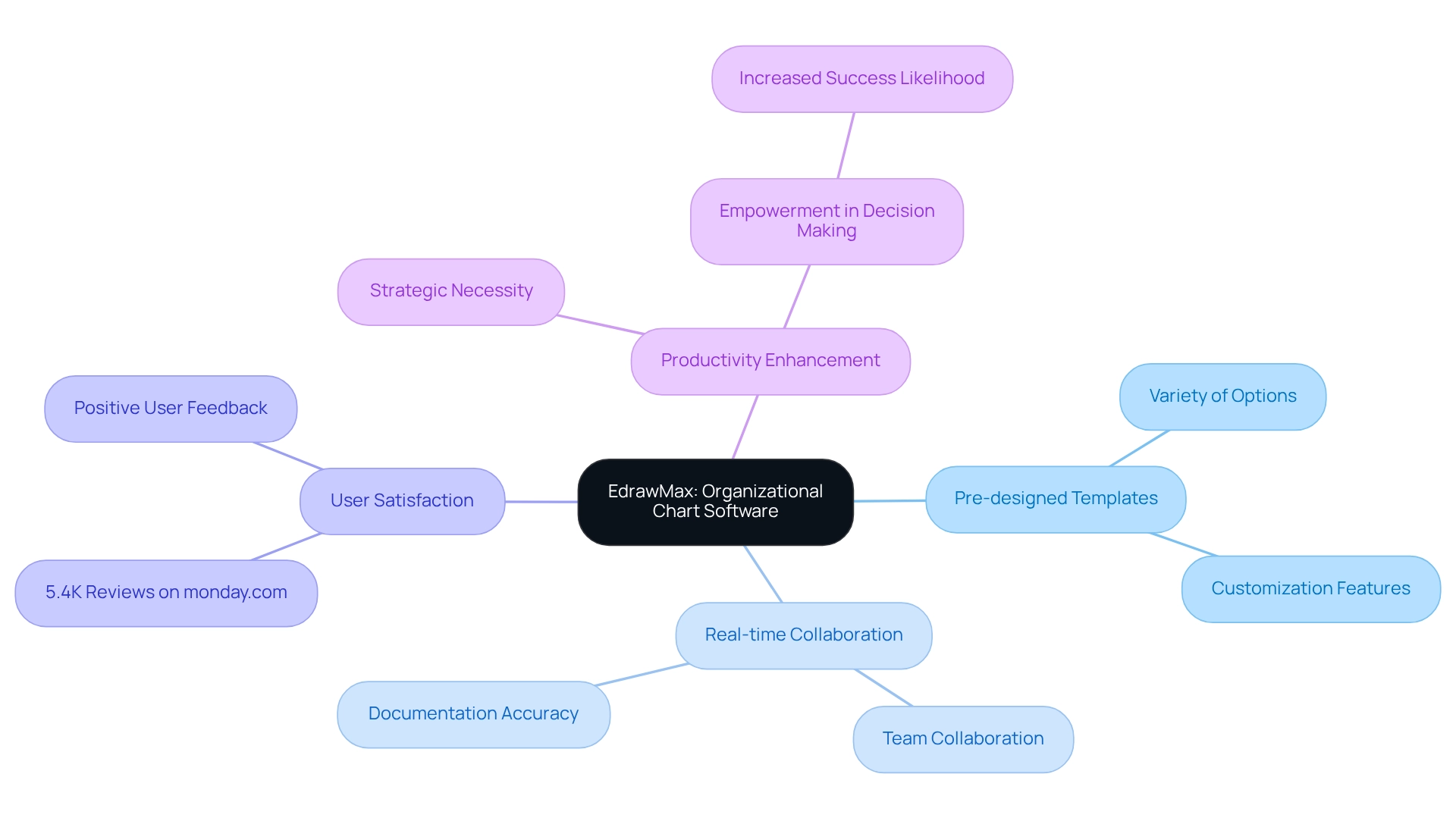
You might be wondering how EdrawMax can help you . Well, this flexible software tool is designed just for that! With a wide range of pre-designed templates and symbols, you can easily create a that showcases your unique organizational structure. One of the coolest features? Its seamless ! This means your team can work together in real-time, making sure your and up-to-date, especially in today’s fast-paced business world.
Speaking of collaboration, research shows that many teleworkers view tools like EdrawMax as great alternatives to traditional methods. It’s clear that platforms like this are essential! Plus, with monday.com racking up 5.4K reviews, it’s evident that user satisfaction with collaboration tools is a big deal. By allowing teams to dive into , EdrawMax truly enhances the precision and significance of your .
As Tajammul Pangarkar, CMO at , points out, in any company. So, if you’re looking to foster a , EdrawMax is definitely worth considering. Why not explore how it can transform your today?
Miro: Collaborate in Real-Time to Build Effective Organizational Charts
You might be wondering how Miro can help your team collaborate better. Well, it’s a fantastic platform that lets teams create charts together in real-time! With its interactive whiteboard feature, you can easily add, move, and tweak elements on the fly, making it super simple to adjust things as needed. This kind of not only but also helps everyone understand their clearly.
Now, let’s dive into how using Miro can really and . By tapping into Miro’s capabilities, you can see a noticeable increase in productivity and create . As teams utilize Miro for managing their setups efficiently, they gain clarity and engagement—two key ingredients for successful operations. So, why not give it a try and see how it can transform your teamwork experience?
SmartDraw: Visualize Your Company Structure with Intuitive Organizational Chart Tools
You might be wondering how to effectively visualize your company . SmartDraw has got your back with its for . Thanks to its , you can whip up graphs in no time—just import data from files like Excel, and you could cut your graph production time by up to 50%! How cool is that? This automation not only boosts your efficiency but also keeps your organizational hierarchy accurate.
As Jorge García, a TEC analyst, puts it, "The role of TCO in selecting a business management solution is crucial, and SmartDraw exemplifies this with its and automation capabilities." With a treasure trove of templates at your disposal, for everyone, no matter your skill level. Imagine your team —organizations using SmartDraw have reported just that, demonstrating how this software can simplify the creation of a .
And here’s something to think about: case studies reveal that businesses using SmartDraw have experienced a , all thanks to the ease of . It’s practical tools like this that can make a real difference in your workflow. So, why not give it a try and see how it can help your team?
Visme: Create Visually Appealing Organizational Charts for Effective Communication
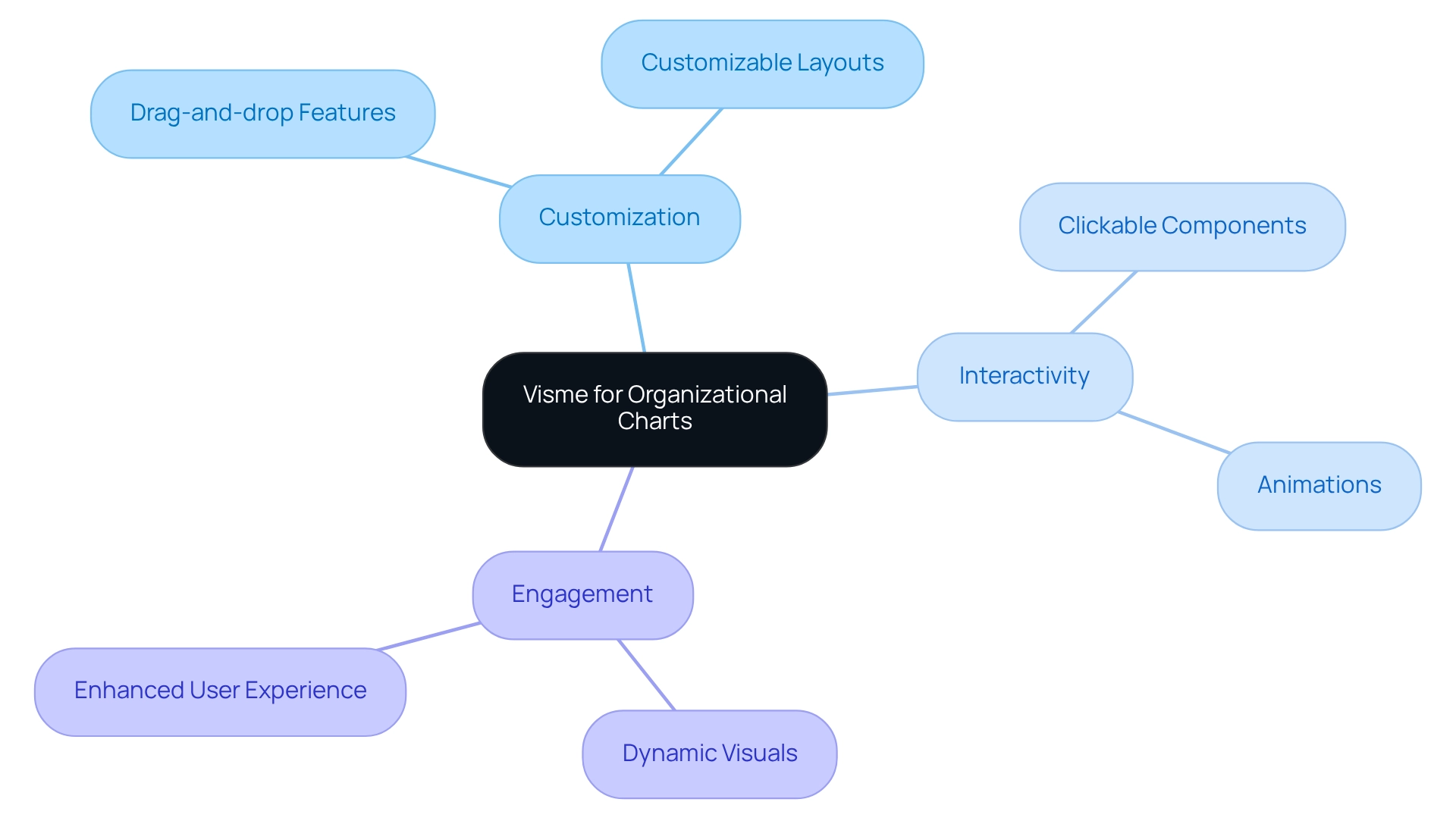
You might be wondering how to make your diagrams not just informative but also . Well, Visme is here to help! It allows you to design that really . With its easy drag-and-drop features and customizable layouts, you can whip up visuals that not only share information but also grab your audience's attention.
Speaking of attention, let's talk about those ! You can add clickable components and animations that make your diagrams pop and keep users engaged. This means your visuals aren’t just static—they're , enhancing the overall . So, why not dive in and see how Visme can transform your communication game?
ChartHop: Manage and Update Your Organizational Charts with Ease
You might be wondering how ChartHop can make your life easier when it comes to managing structure diagrams. Well, it streamlines the whole process, allowing companies to adapt quickly to changes. Plus, with its integration into HR systems, you get automatic updates that ensure your is always spot on. This is a , especially for businesses that are growing fast or going through frequent restructuring. It really cuts down on the admin hassle of .
Now, let's talk about why maintaining a precise structure is so important. Did you know that replacing an employee can ? That’s a hefty price tag! By using ChartHop, organizations can boost and reduce turnover, which can be illustrated with a . After all, effectively managing your plays a significant role in and aiding their career advancement. In fact, a staggering 34% of employees leave their jobs for . This just goes to show how crucial it is to keep your clear and updated to support growth within your company.
Figma: Collaborate and Customize Your Organizational Charts with Design Flexibility
You might be wondering how Figma can help you create and personalize a . Well, it offers a fantastic platform that gives you , letting you tweak visuals to fit your unique needs. Teams can easily add their own branding elements, ensuring that the visuals not only serve their purpose but also .
Speaking of teamwork, Figma really shines with its . Imagine —pretty cool, right? means the final product accurately and allows for quicker iterations, which is super important in today’s fast-paced business world. Recent stats show that organizations using Figma for collaborative design see a noticeable , with teams finishing projects involving charts up to 30% faster. Plus, there are some , like OpenAI's use of AI tools within Figma, which has ramped up design efficiency and sparked innovative ideas in UI/UX design. This integration really highlights how Figma's collaborative features can shake up the design process, making it more dynamic and responsive to what organizations need.
Conclusion
You might be wondering about the best tools for creating organizational charts and how they can really make a difference in your team’s communication and collaboration. Well, there's a whole range of options out there! For instance, SowFlow’s intuitive documentation features make it super easy to keep your organizational structures fresh and up-to-date. Then there's Lucidchart, which shines with its user-friendly templates and collaborative features—perfect for creating dynamic charts that meet your specific needs.
Canva is another great choice, offering customizable designs that let you showcase your brand identity while clearly communicating your structure. And let’s not forget EdrawMax, which provides a variety of templates that support real-time collaboration—essential in today’s fast-paced business world. Miro takes teamwork to the next level with its interactive whiteboard, making it a breeze to adapt your organizational structures on the fly.
SmartDraw steps in to automate the visualization process, saving you time and boosting accuracy. Visme, on the other hand, enriches your communication with visually stunning and engaging charts. Speaking of simplifying things, ChartHop integrates with HR systems for automatic updates, which means less admin hassle and better talent retention.
Lastly, Figma offers a robust collaborative platform that gives you incredible design flexibility, allowing your team to create charts that truly reflect your unique identity while enjoying real-time collaboration.
In summary, leveraging these tools not only helps clarify your organizational structures but also encourages a culture of collaboration and efficiency. As your business evolves, picking the right tools for creating organizational charts is key to enhancing communication and driving productivity, ultimately leading to greater success in the workplace. So, which tool will you explore first?
Frequently Asked Questions
How can SowFlow help streamline the documentation process?
SowFlow offers an intuitive tool that allows businesses to create organizational charts quickly and easily. Its user-friendly Chrome extension enables teams to document workflows directly from their browser, transforming complex processes into clear visual charts.
What are the benefits of using SowFlow for documentation?
SowFlow keeps documentation up to date and accessible for the entire team, enhancing communication and collaboration. It also integrates employee databases into organizational charts, simplifying the process of maintaining current documentation.
What does the study mentioned in the article reveal about employees' attitudes toward new tools?
The study found that 75% of employees are eager to adopt new tools to overcome communication challenges, indicating a strong desire for improved collaboration within organizations.
How does Lucidchart assist in creating organizational diagrams?
Lucidchart provides user-friendly templates and a drag-and-drop interface, allowing users to create dynamic diagrams quickly and customize them to fit their needs.
What makes Lucidchart a popular choice among teams?
Lucidchart integrates seamlessly with various platforms and includes collaborative features that streamline the chart creation process, fostering teamwork and communication.
What security features does Lucidchart offer?
Lucidchart includes advanced encryption and complies with international data protection standards, ensuring that documentation remains secure.
How does Lucidchart promote a positive team culture?
A case study titled 'Sales Team Culture and Values' shows how Lucidchart encourages patience and collaboration, contributing to long-term success and employee satisfaction.
What is Canva's role in creating visuals for brands?
Canva provides a wide range of customizable templates that allow users to adjust colors, fonts, and layouts, helping to create visuals that reflect their unique brand identity.
Do you need a design background to use Canva?
No, Canva's user-friendly interface makes it easy for anyone, regardless of design experience, to create professional-looking visuals quickly.
How does Canva support nonprofits?
Canva supports over 700,000 nonprofits, demonstrating its commitment to making an impact in the design world.
What is Canva's market position?
Canva was valued at $3 billion in 2025, highlighting its innovative approach and significance in the competitive design market.
List of Sources
- SowFlow: Streamline Your Organizational Chart Creation with Instant Documentation Tools
- martianlogic.com (https://martianlogic.com/blogs/5-reasons-why-a-business-must-have-an-up-to-date-org-chart)
- The Best Workplace Collaboration Statistics in 2026 (https://flowlu.com/blog/productivity/work-collaboration-teamwork-statistics)
- organimi.com (https://organimi.com/business-organizational-chart)
- enterpriseappstoday.com (https://enterpriseappstoday.com/stats/workplace-collaboration-statistics.html)
- Lucidchart: Create Dynamic Organizational Charts with User-Friendly Templates
- globalgrowthinsights.com (https://globalgrowthinsights.com/market-reports/org-chart-software-market-104845)
- peerspot.com (https://peerspot.com/products/comparisons/lucidchart_vs_sap-signavio-process-manager)
- freshworks.com (https://freshworks.com/crm/sales/resources/lucidchart-13-million-user-blog)
- Canva: Design Engaging Organizational Charts with Customizable Templates
- 19 Essential Canva Statistics You Need To Know in 2026 (https://thesocialshepherd.com/blog/canva-statistics)
- 50+ Canva Statistics [2026]: The Untold Story of Visual Marketing's Evolution (https://cropink.com/canva-statistics)
- EdrawMax: Versatile Software for Comprehensive Organizational Chart Creation
- getapp.com (https://getapp.com/it-management-software/a/edraw-max/features)
- Collaboration Software Statistics and Facts (2026) (https://scoop.market.us/collaboration-software-statistics)
- 47 Workplace Collaboration Statistics and Trends in 2026 (https://proofhub.com/articles/workplace-collaboration-statistics)
- Miro: Collaborate in Real-Time to Build Effective Organizational Charts
- Collaboration Software Statistics and Facts (2026) (https://scoop.market.us/collaboration-software-statistics)
- zight.com (https://zight.com/blog/collaboration-statistics)
- jointhecollective.com (https://jointhecollective.com/article/the-role-of-technology-in-enhancing-team-collaboration)
- blog.9cv9.com (https://blog.9cv9.com/top-37-latest-cross-functional-team-collaboration-statistics-in-2024)
- 130 Team Building Statistics: Culture, Effectiveness, and Tools (https://flair.hr/en/blog/team-building-statistics)
- SmartDraw: Visualize Your Company Structure with Intuitive Organizational Chart Tools
- www3.technologyevaluation.com (https://www3.technologyevaluation.com/solutions/53726/smartdraw?srsltid=AfmBOopG0Yni-YZN1B6etRi7dzzQBDOpVxzb1m8Fm9nn81MDgBd_Mwaf&fmIVhmGEyXr0zTN=V49j684afIXa&srsltid=AfmBOooNOYhzozs3YthLra-Pb7PqDgvd89UH2-78qRAYncf2QhSYUfoN)
- smartdraw.com (https://smartdraw.com/exploresd/organizational-charts-from-data.htm?srsltid=AfmBOoroi7W2c1dQXmGR_otxY6yXzXRq5-Ow7DbApJffE6KfYbR-7RVx)
- careerfoundry.com (https://careerfoundry.com/en/blog/data-analytics/inspirational-data-quotes)
- Visme: Create Visually Appealing Organizational Charts for Effective Communication
- Workplace Communication Statistics for 2026 (https://pumble.com/learn/communication/communication-statistics)
- brightcarbon.com (https://brightcarbon.com/blog/50-presentation-quotes)
- 5 Stats for the Future of Internal Communications - Sociabble (https://sociabble.com/blog/internal-communication/internal-communications-stats)
- 24 Branding Quotes to Inspire You & Build Your Brand Image (https://visme.co/blog/branding-quotes)
- ChartHop: Manage and Update Your Organizational Charts with Ease
- forbes.com (https://forbes.com/advisor/business/hr-statistics-trends)
- organimi.com (https://organimi.com/business-organizational-chart)
- 70 Pivotal HR Statistics for 2025 (https://performyard.com/articles/hr-statistics)
- ingentis.com (https://ingentis.com/en/knowledge/hr-dashboard)
- Figma: Collaborate and Customize Your Organizational Charts with Design Flexibility
- research.contrary.com (https://research.contrary.com/company/figma)
- auditshq.com (https://auditshq.com/blog/figma-statistics)
- sacra.com (https://sacra.com/c/figma)
👍
What others are liking


5 Steps to outline your ideal documentation structure
5 MINS READ
Where to start the your journey of mapping out your ideal documentation structure, aligning it with the very heartbeat of your organization?
Defining a winning level of detail in your process
3 MINS READ
What is too much detail, and what is too little? This article described in that winning level detail about what detail is enough.


